Screenshots
A look at the JSignPdf desktop UI. Click any image to see it full-size.
JavaFX interface (default since 3.0.0)

Document-centric workflow — load a PDF, configure signing options in the sidebar, and sign.

Signature properties expanded, with the signing result dialog and output console.

Shift-drag on the document preview to position the visible signature block.
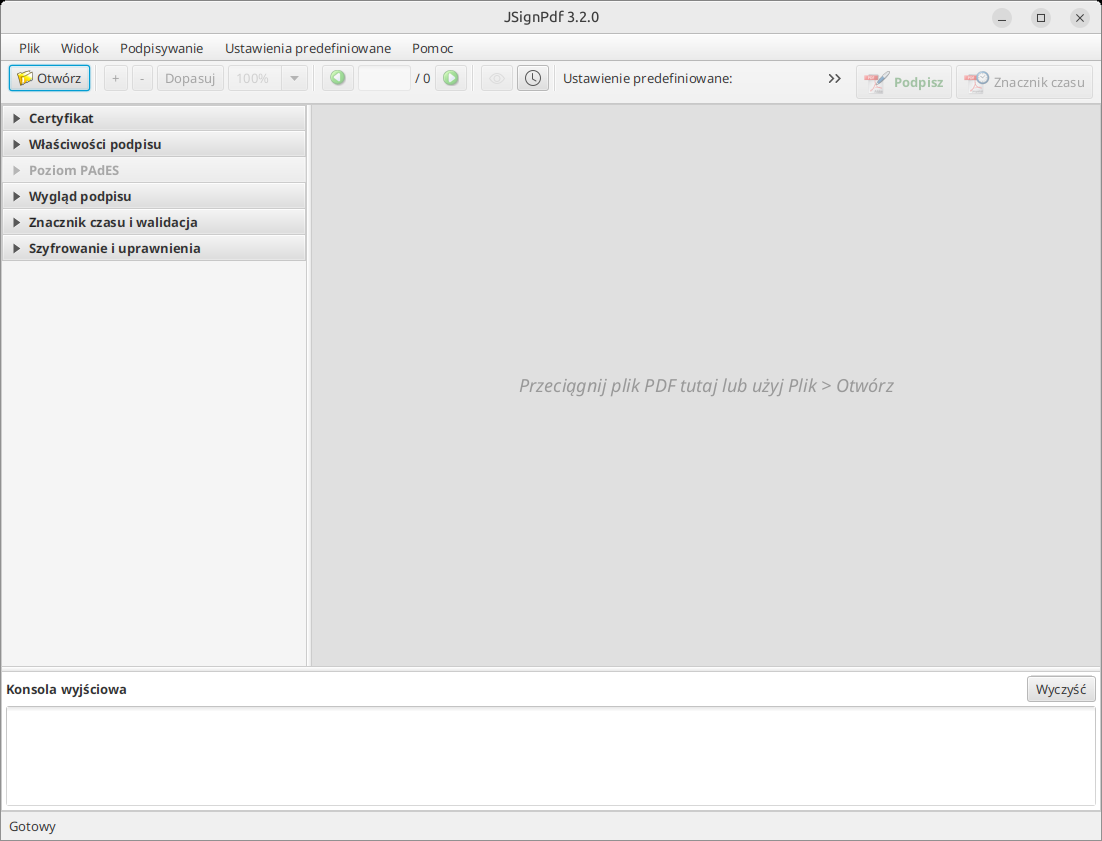
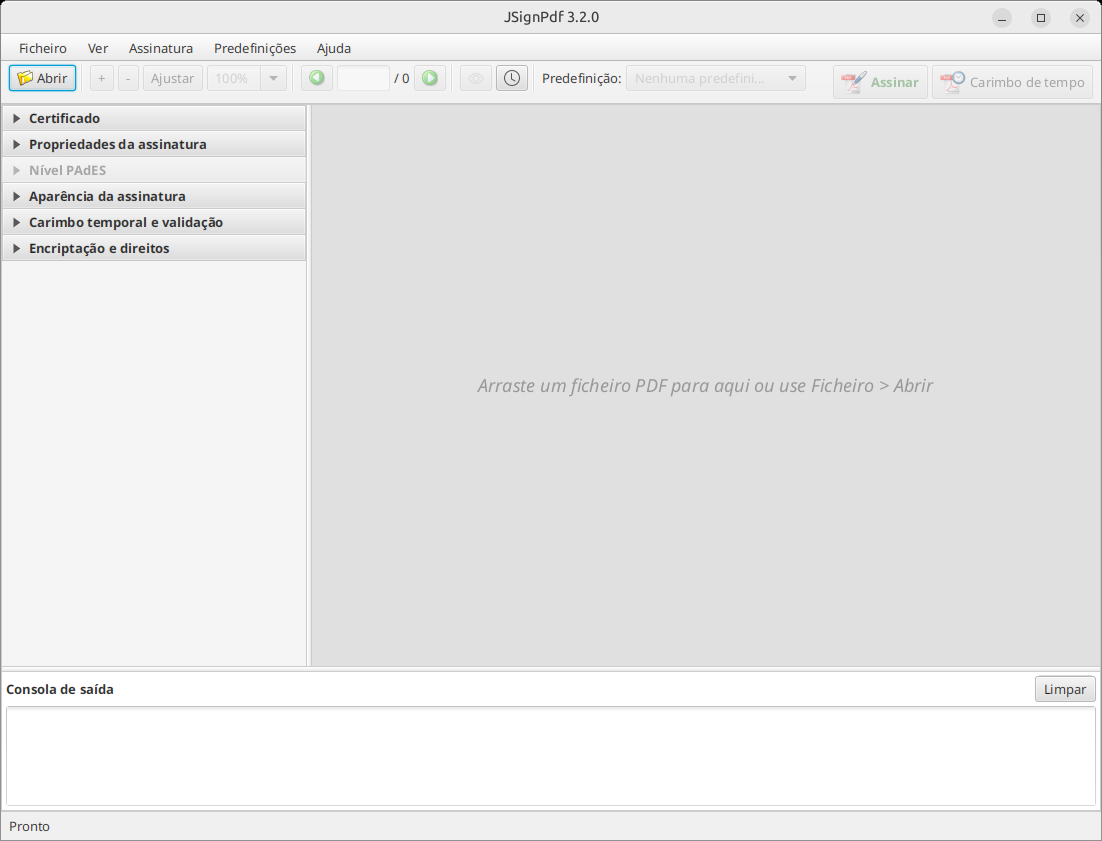
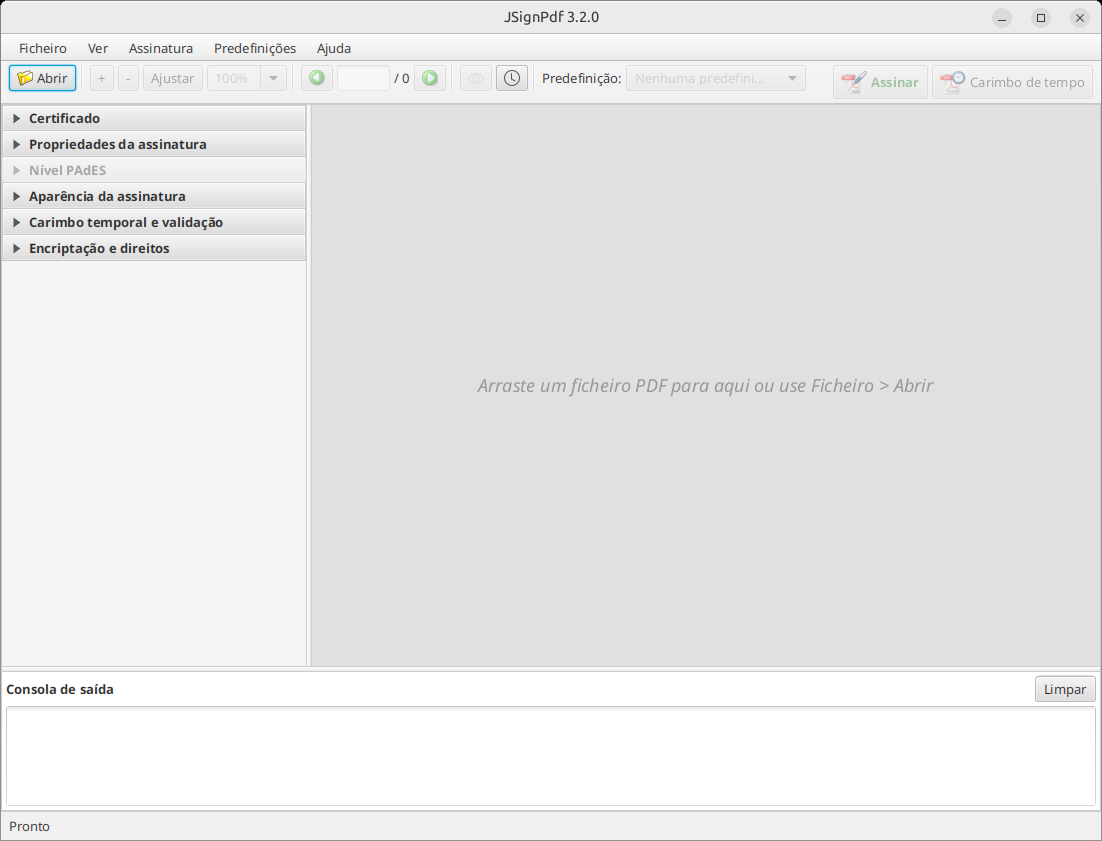
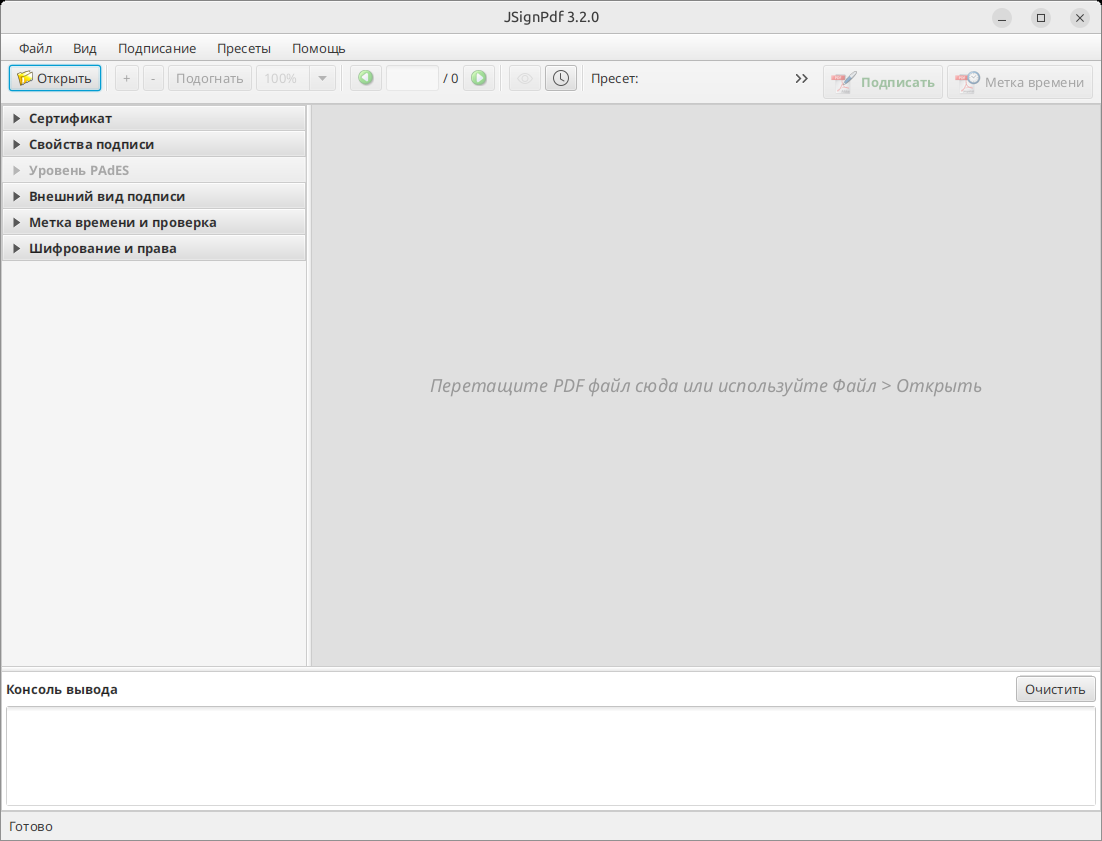
Translations
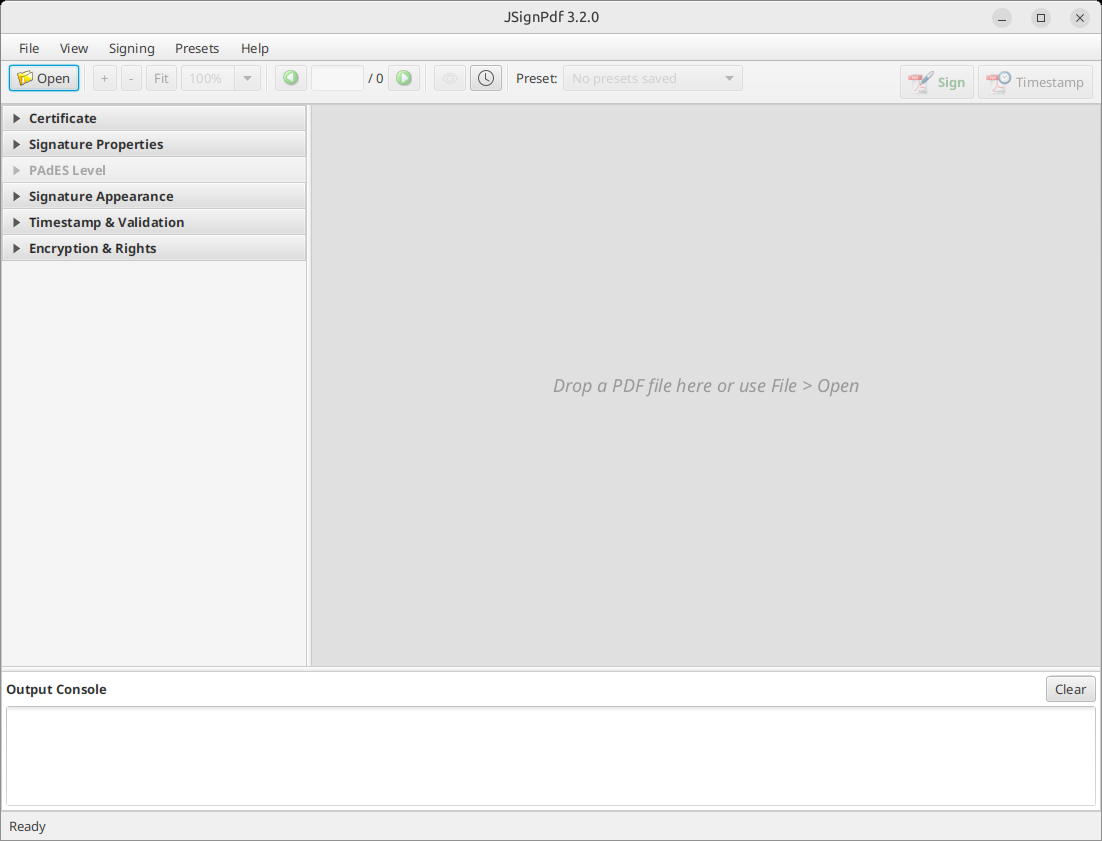
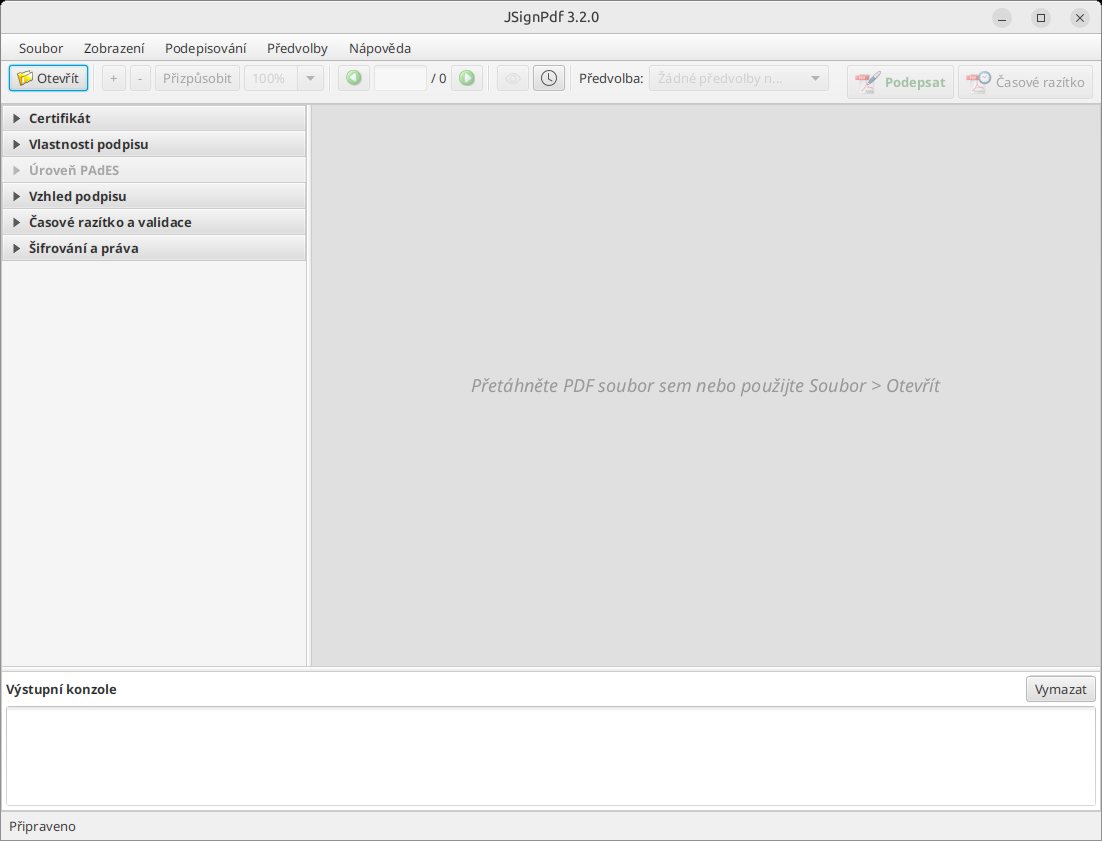
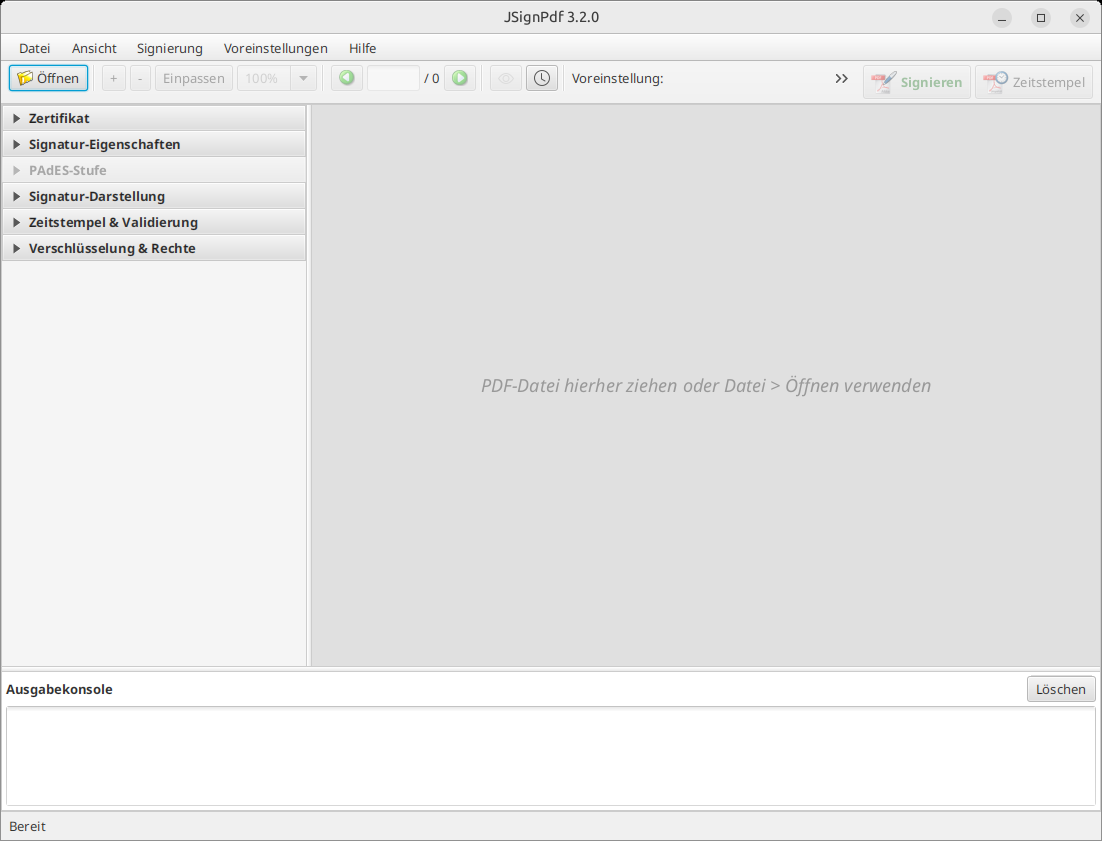
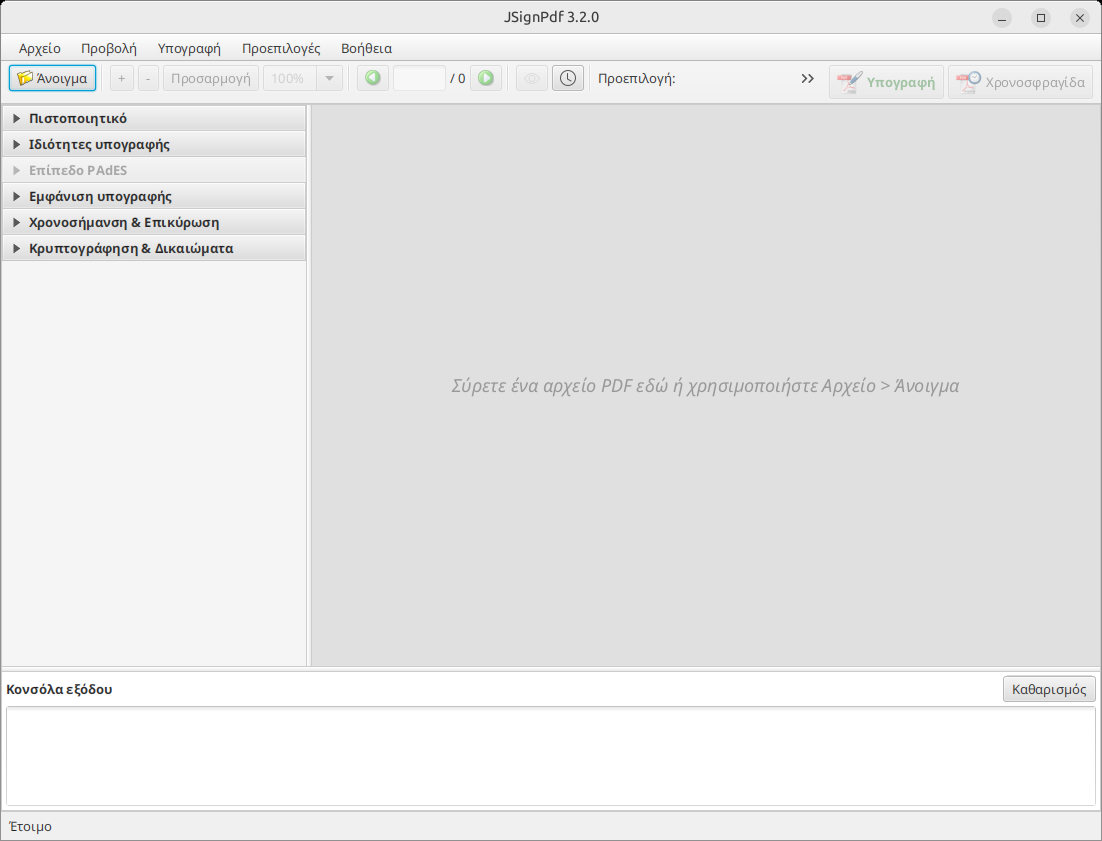
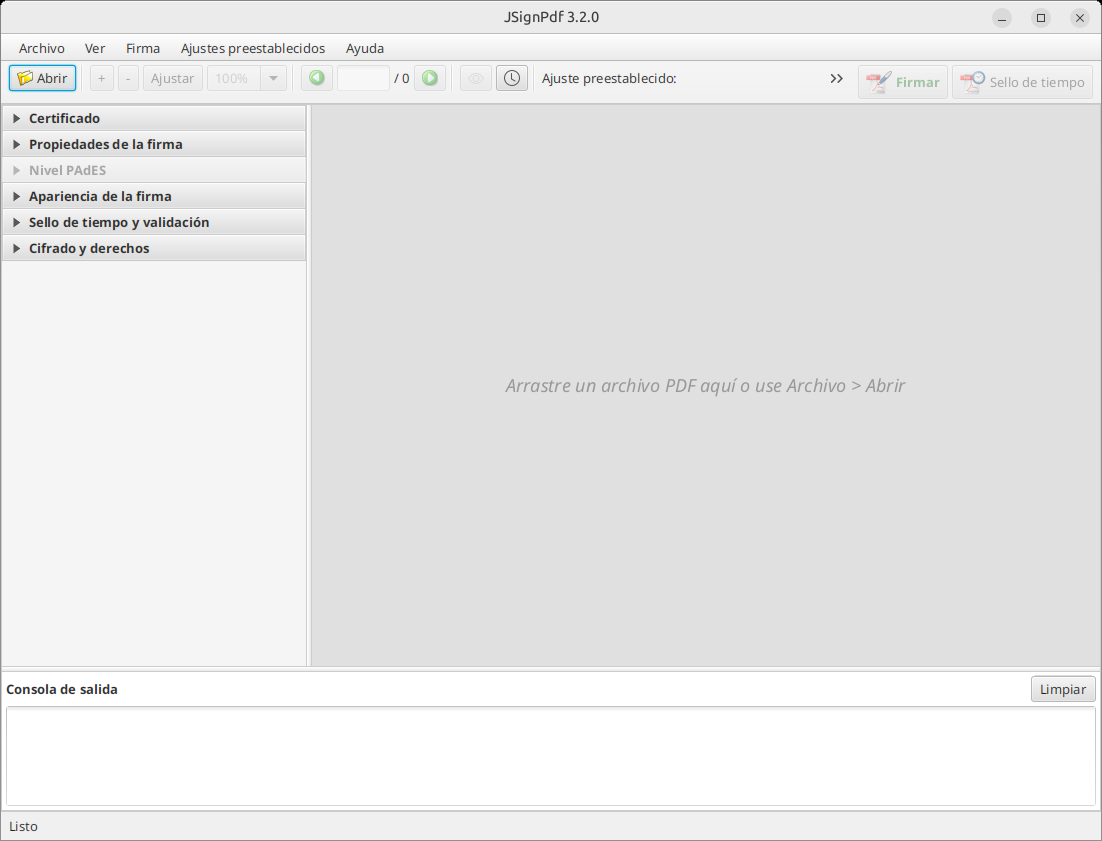
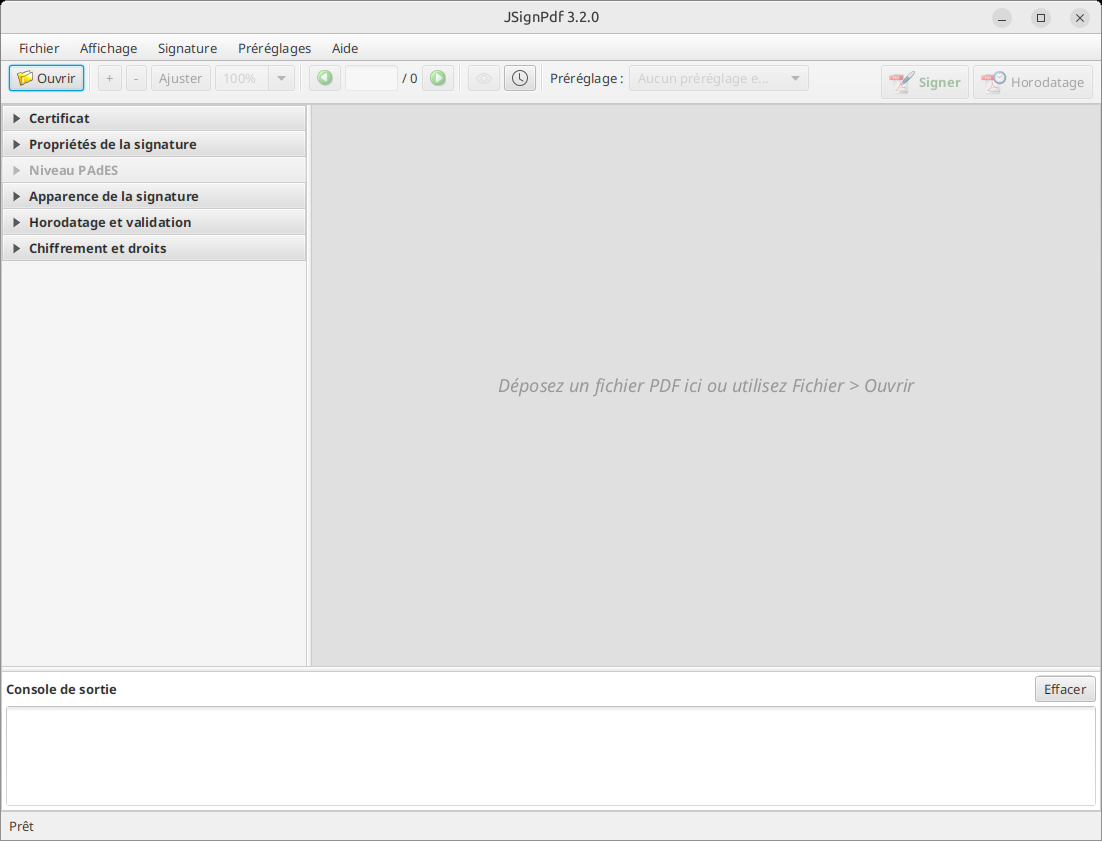
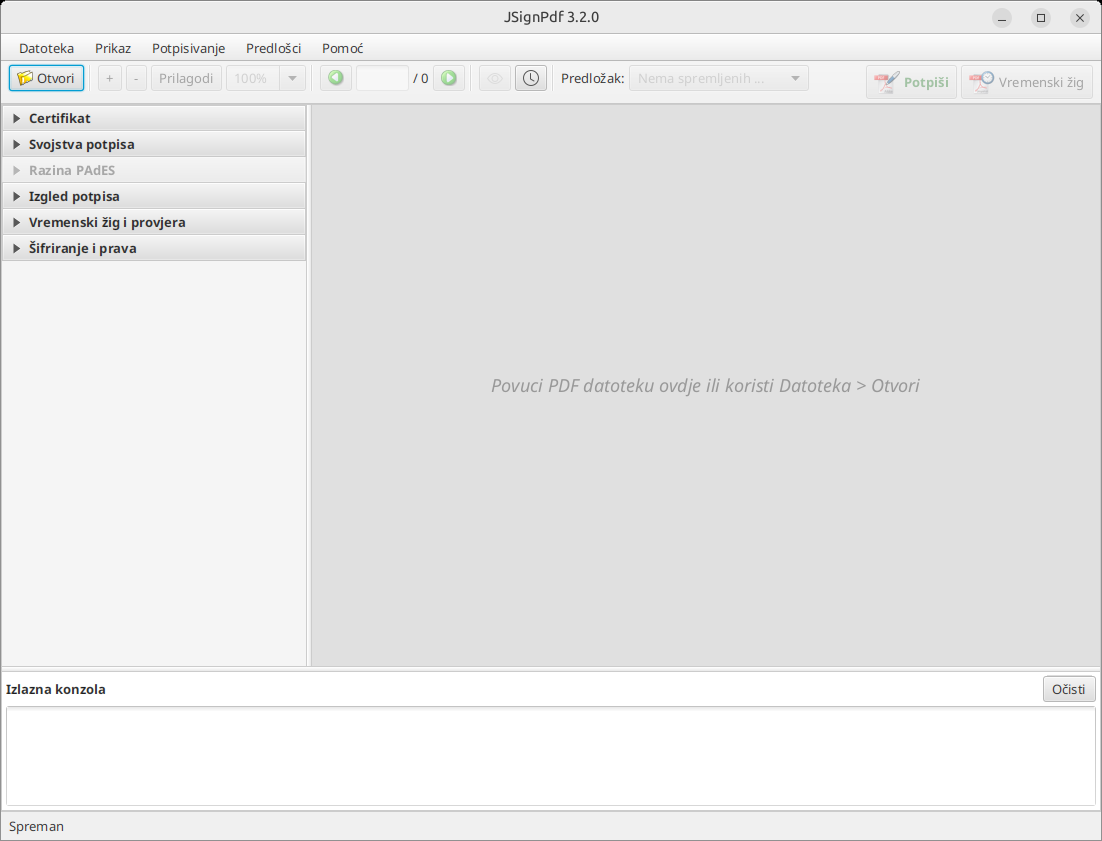
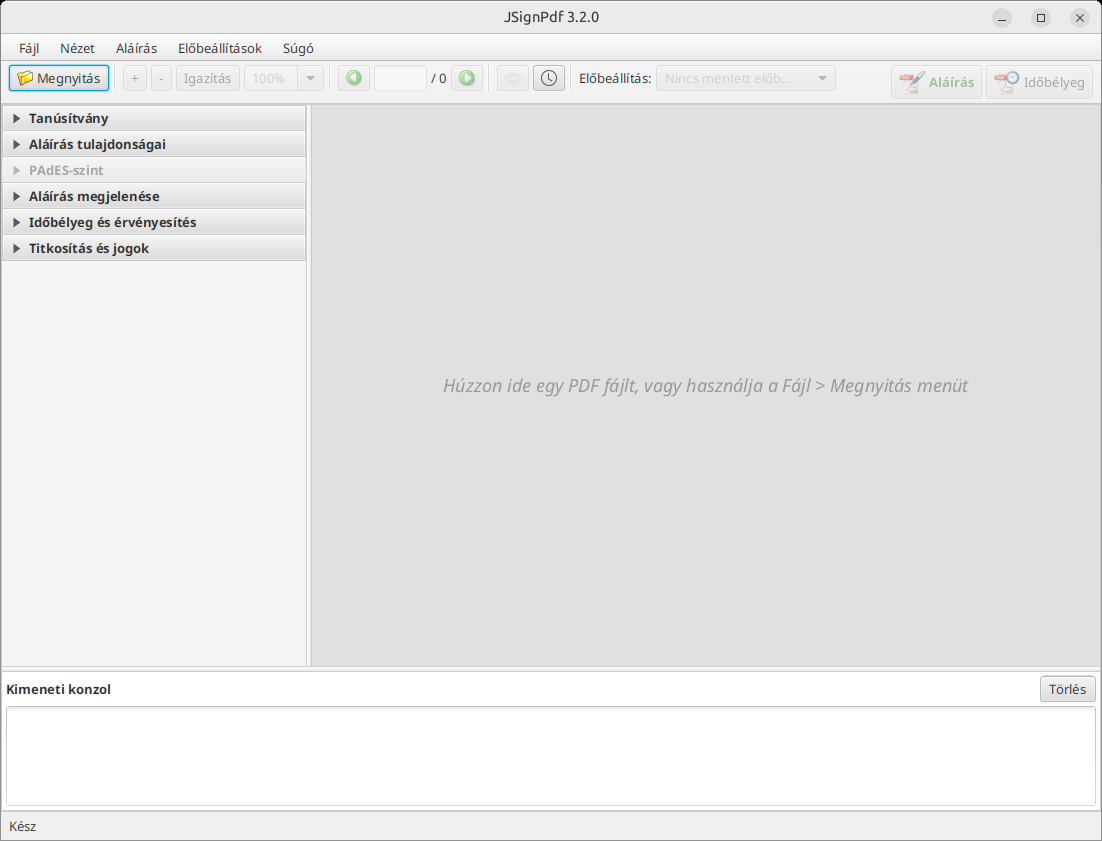
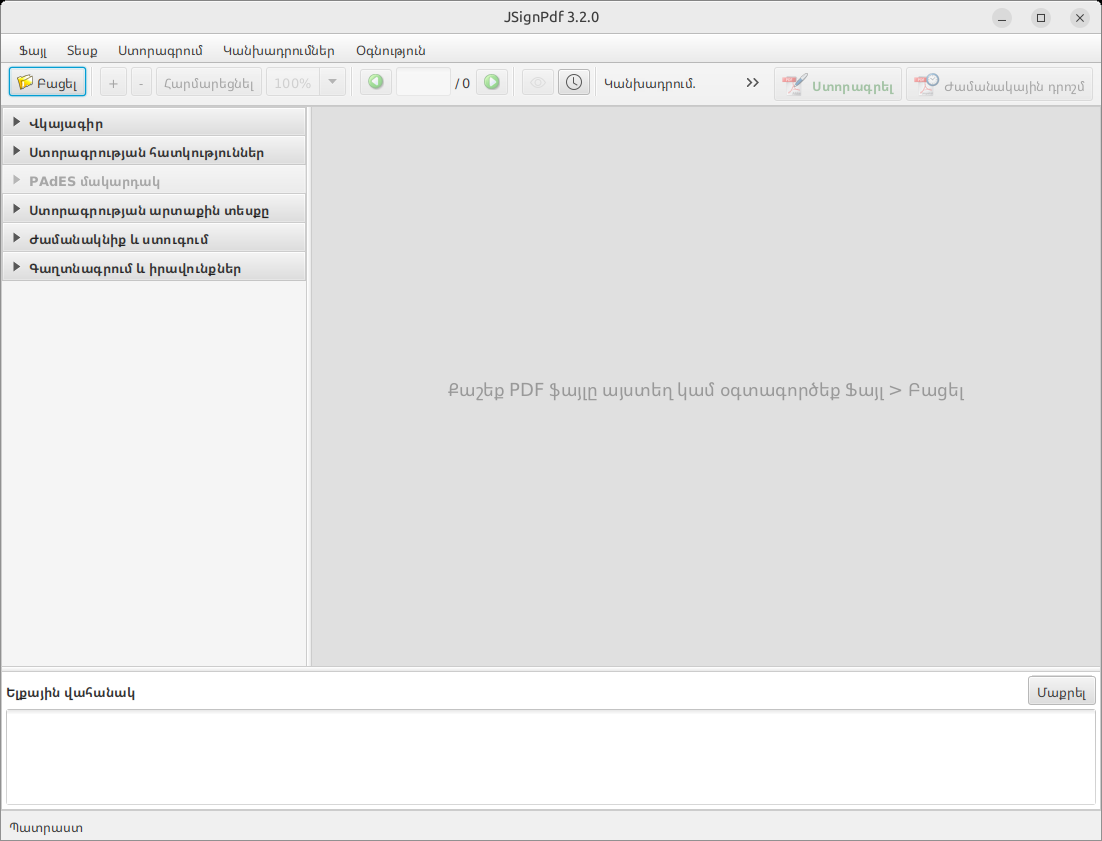
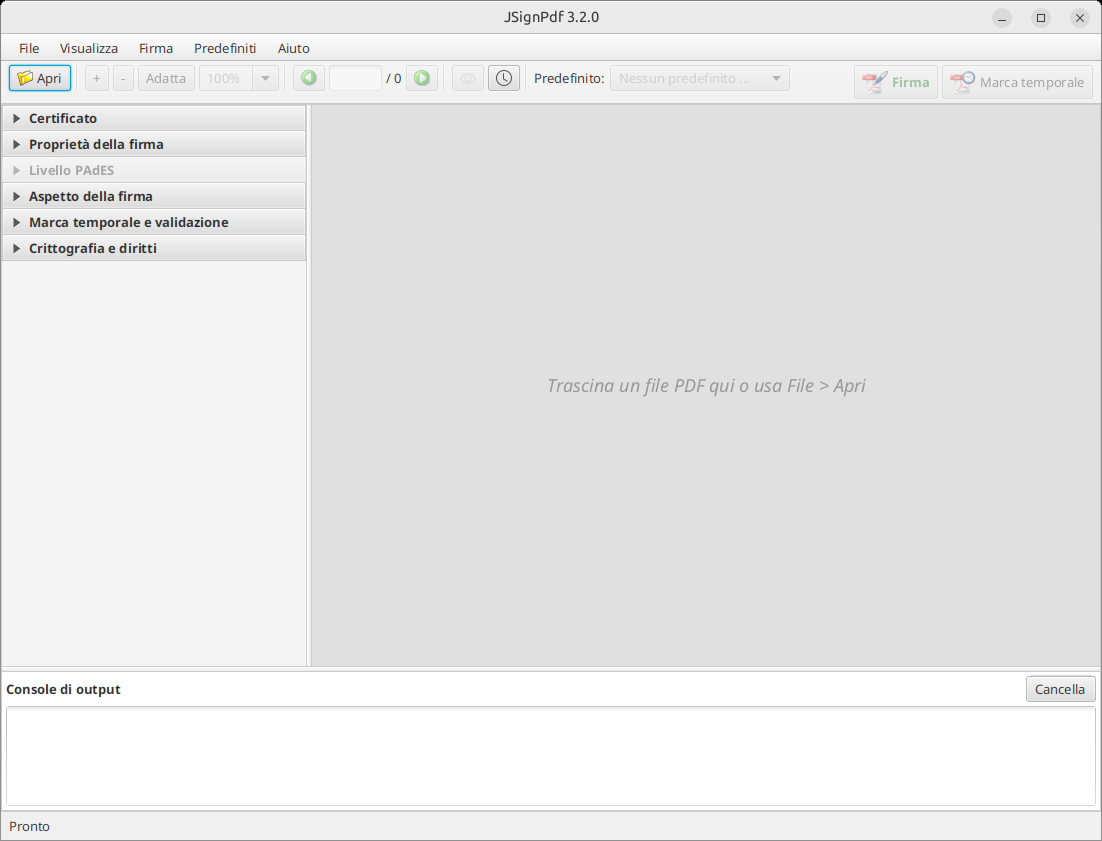
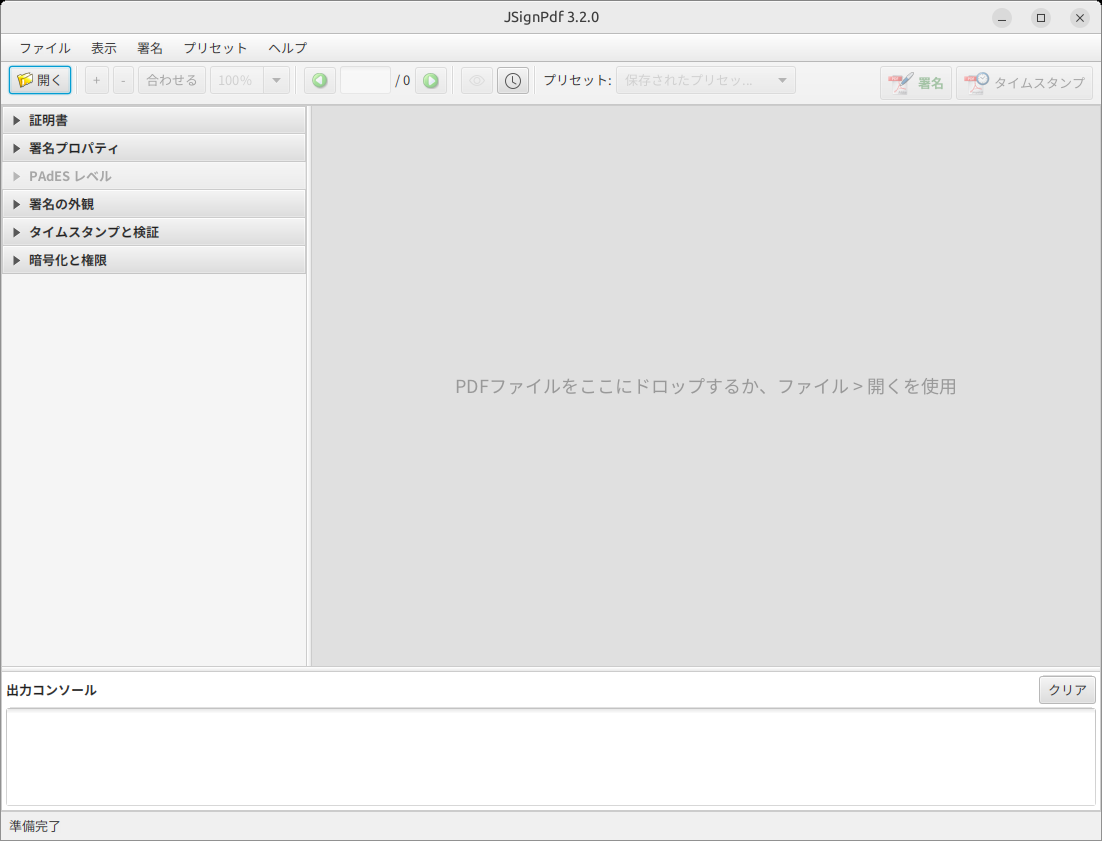
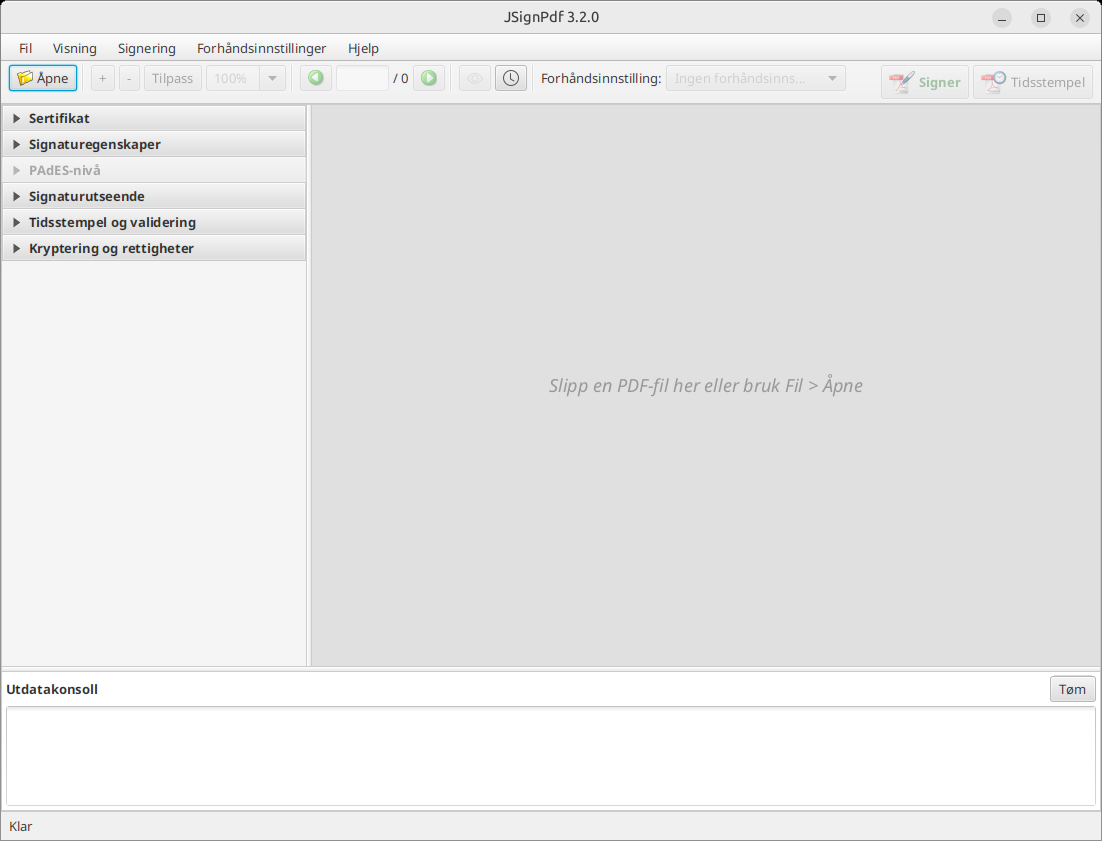
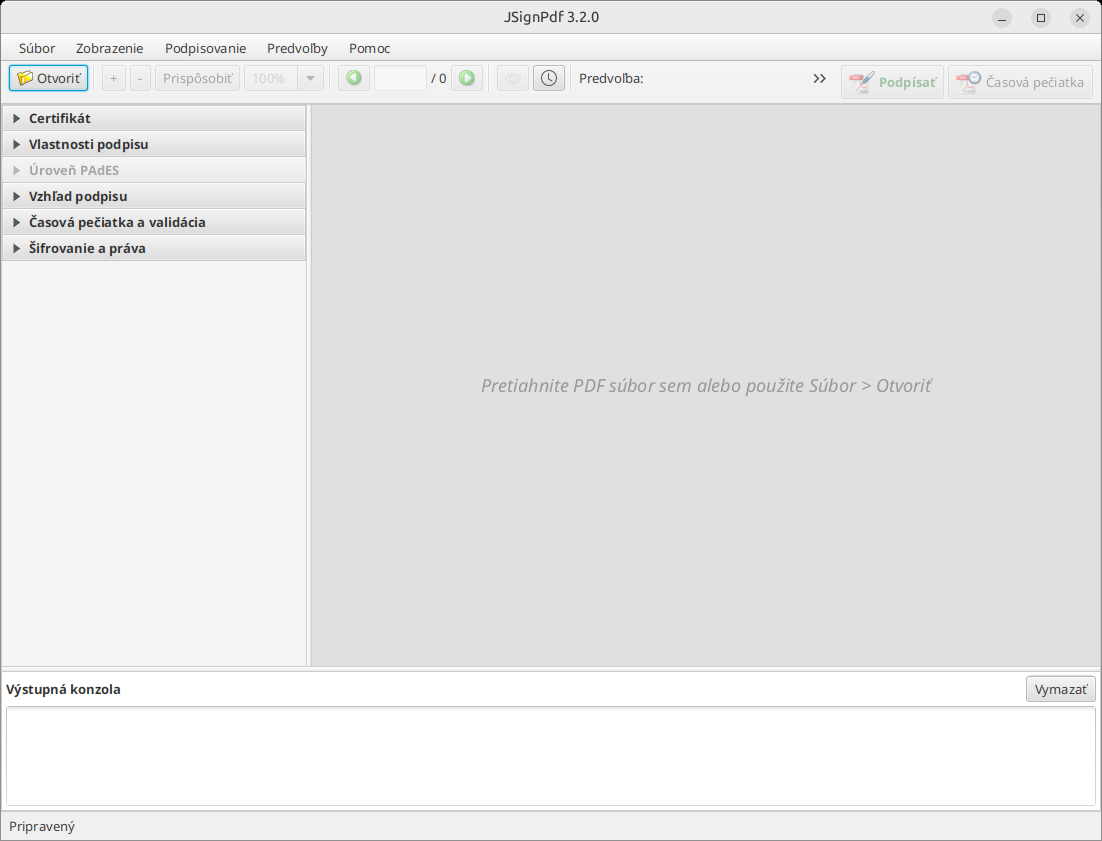
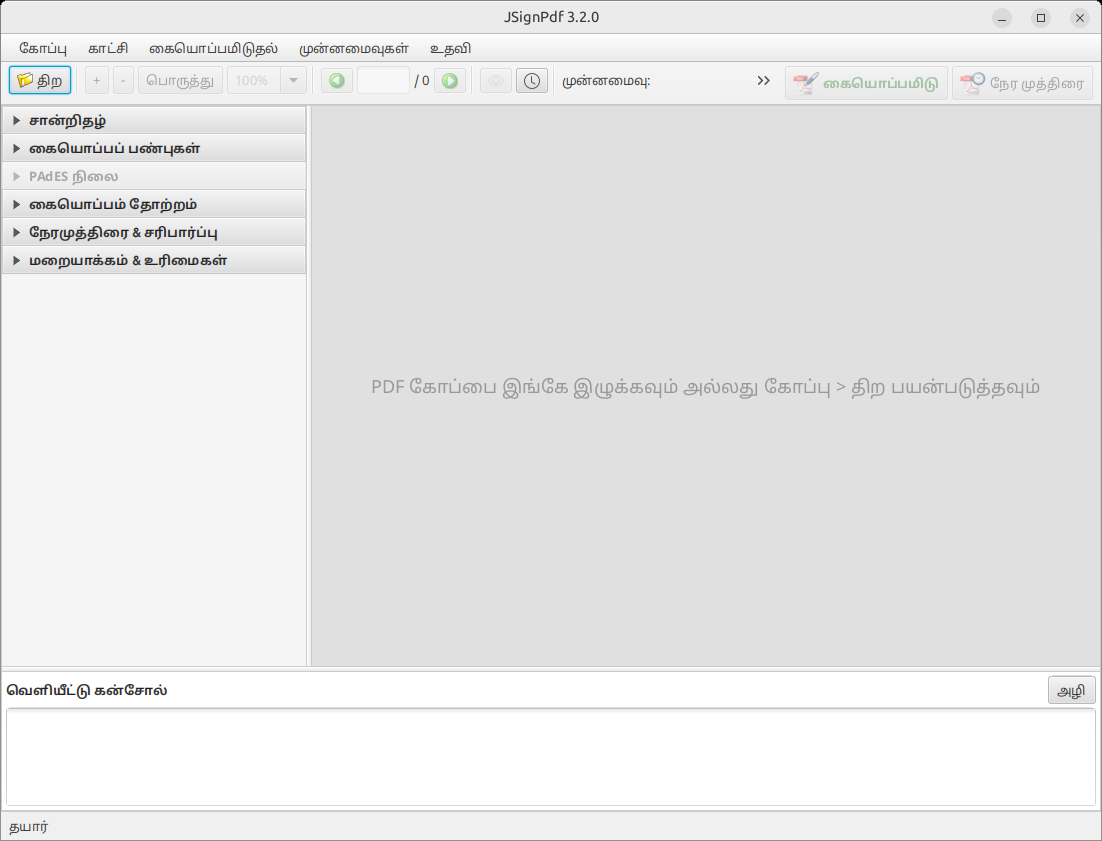
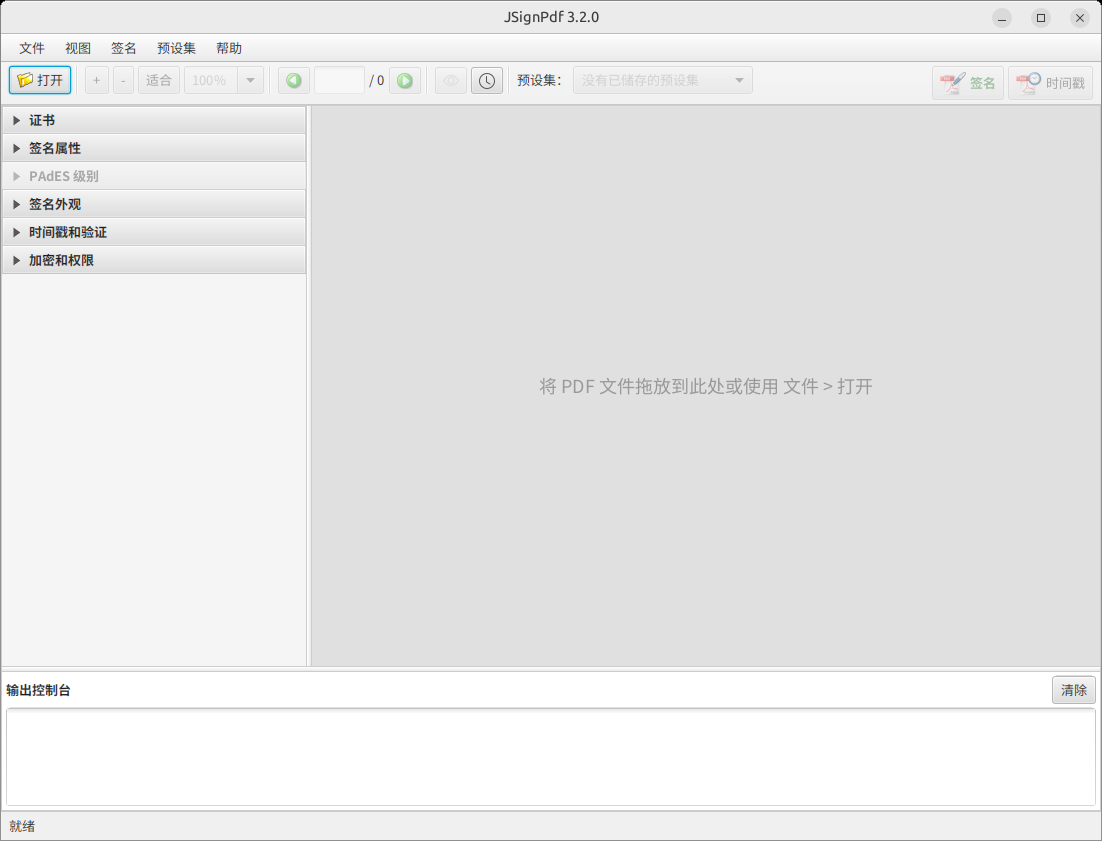
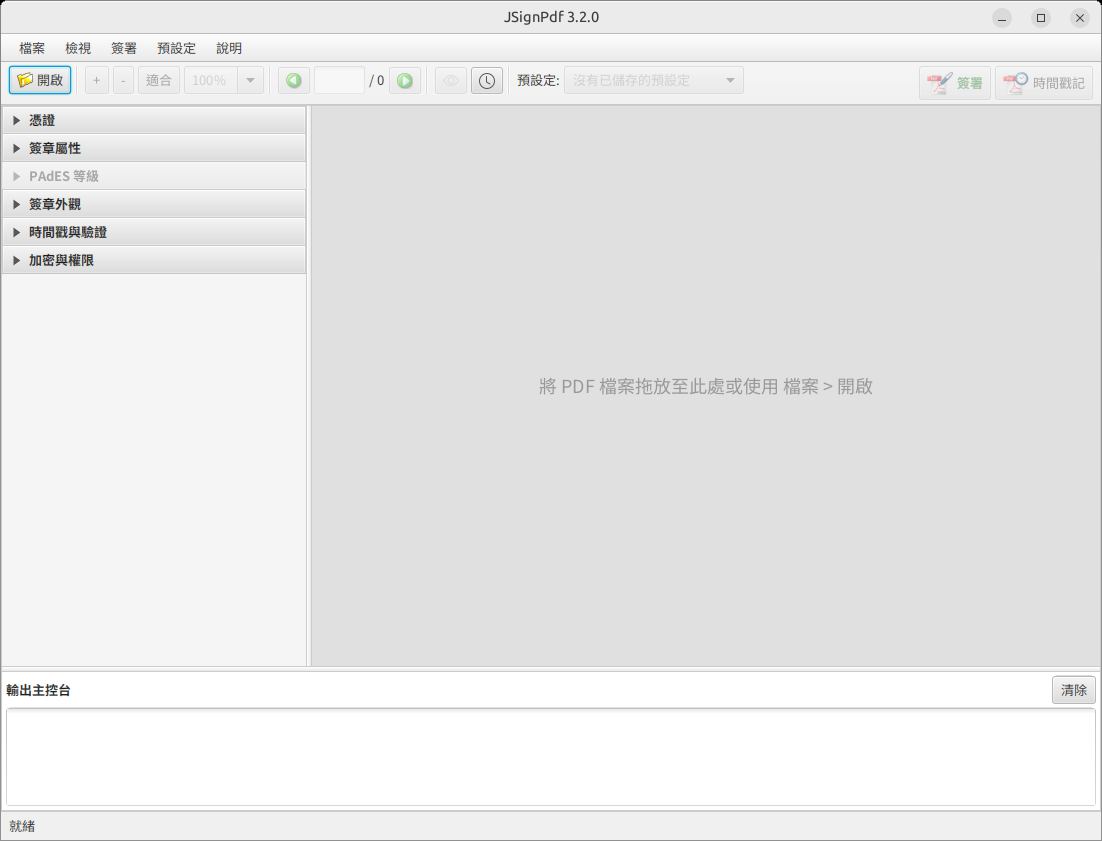
The JavaFX interface in each of its 20 bundled languages. It follows the operating-system language by default; pick another one under File > Preferences > General > Language. Translations are maintained on Weblate — help is welcome.
Classic Swing interface
The original GUI, available via -Djsignpdf.swing=true.


